An iPhone app that sorts your screenshots.
Click the window.
01How
Stroke from anywhere and let go.
Up, left or right. Two more beside each.
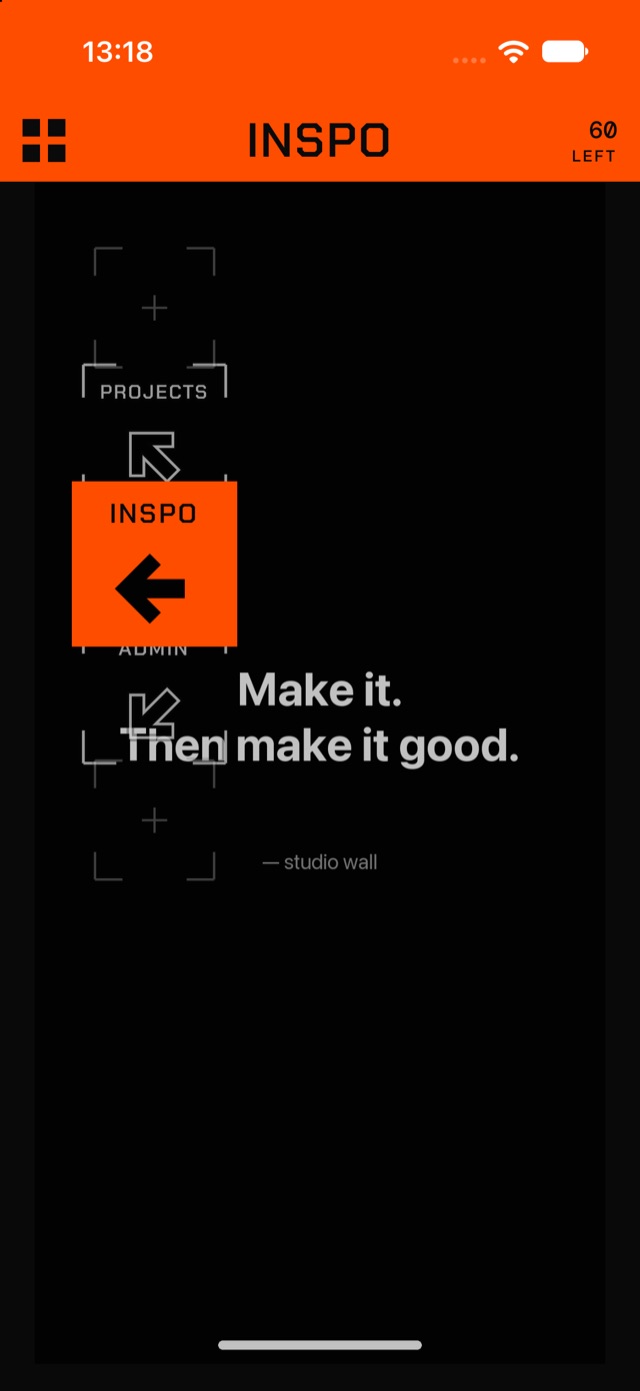
The direction decides the place. Keep your thumb down and roll sideways for the two beside it. Let go. Filed.
02Places
Two more places beside each.
Roll for them.
Stroke a way and keep your thumb down: the place opens into a drum. Slide sideways and the places beside it roll under the window. Up gives INSPO, then FUNNY or MUSIC, then room for your own.
03Delete
Down to delete.
Delete is down. Everything else is a place.
Undo takes back your last ten moves. Deletes are confirmed on their own screen, then kept 30 days in Recently Deleted.
04Screens
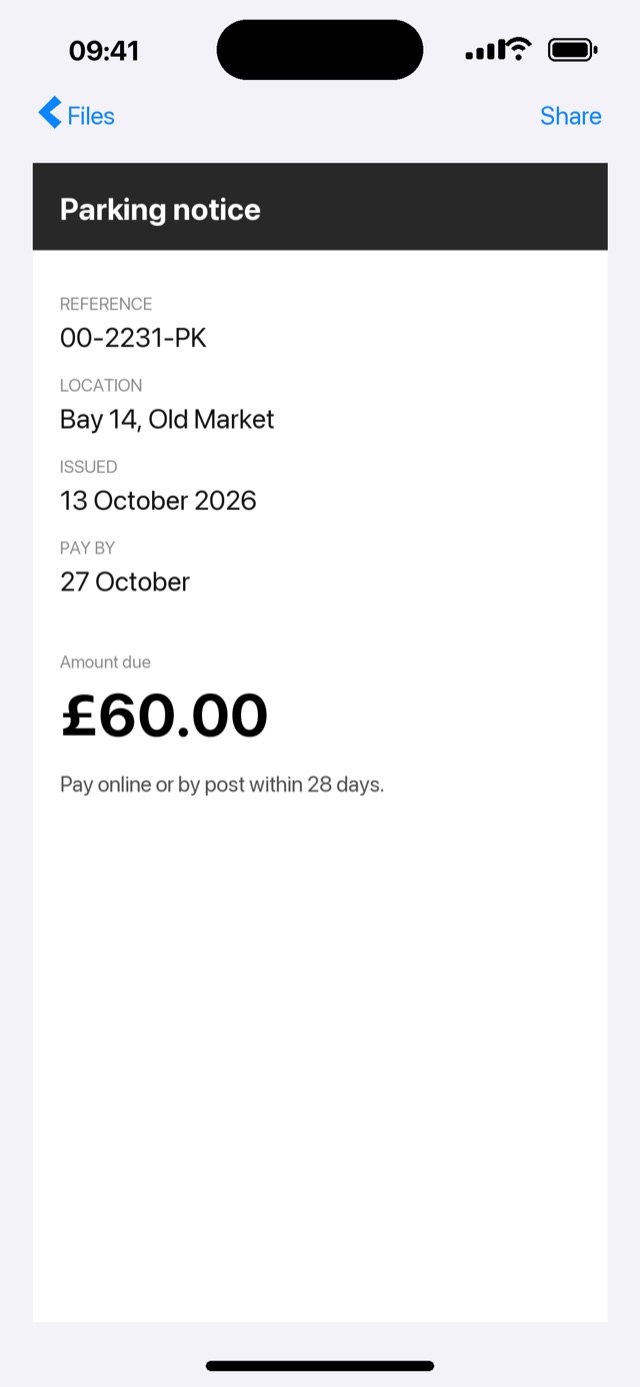
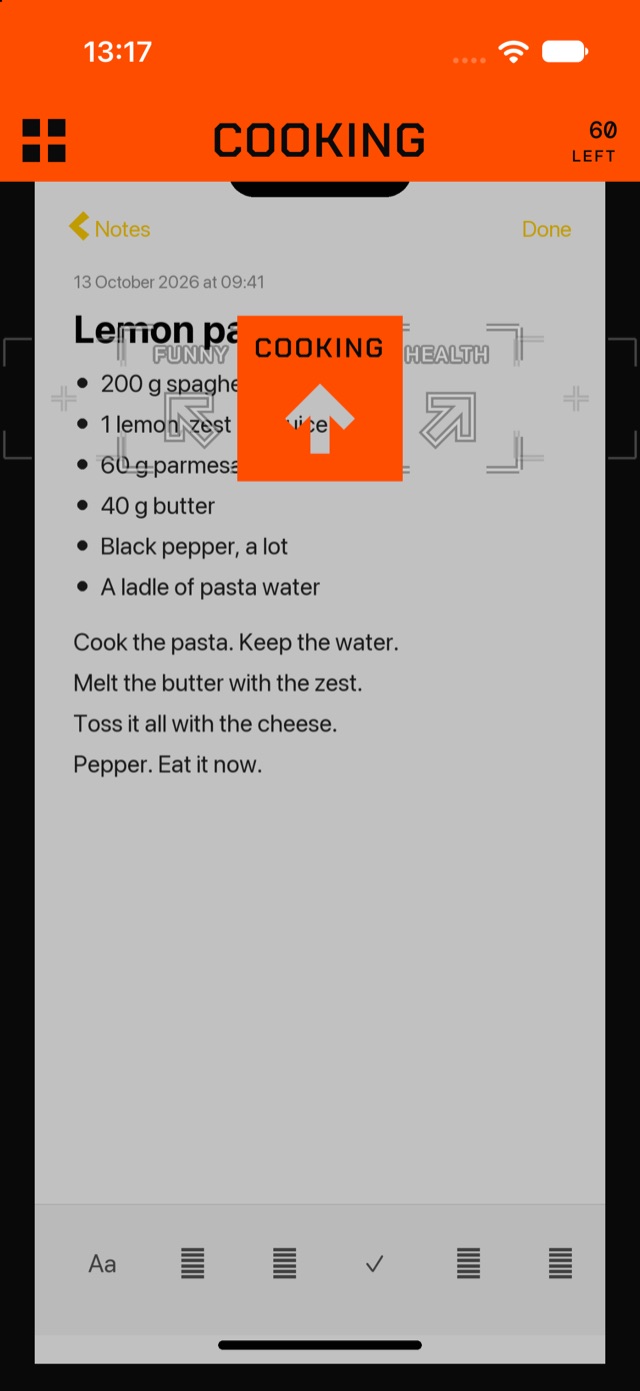
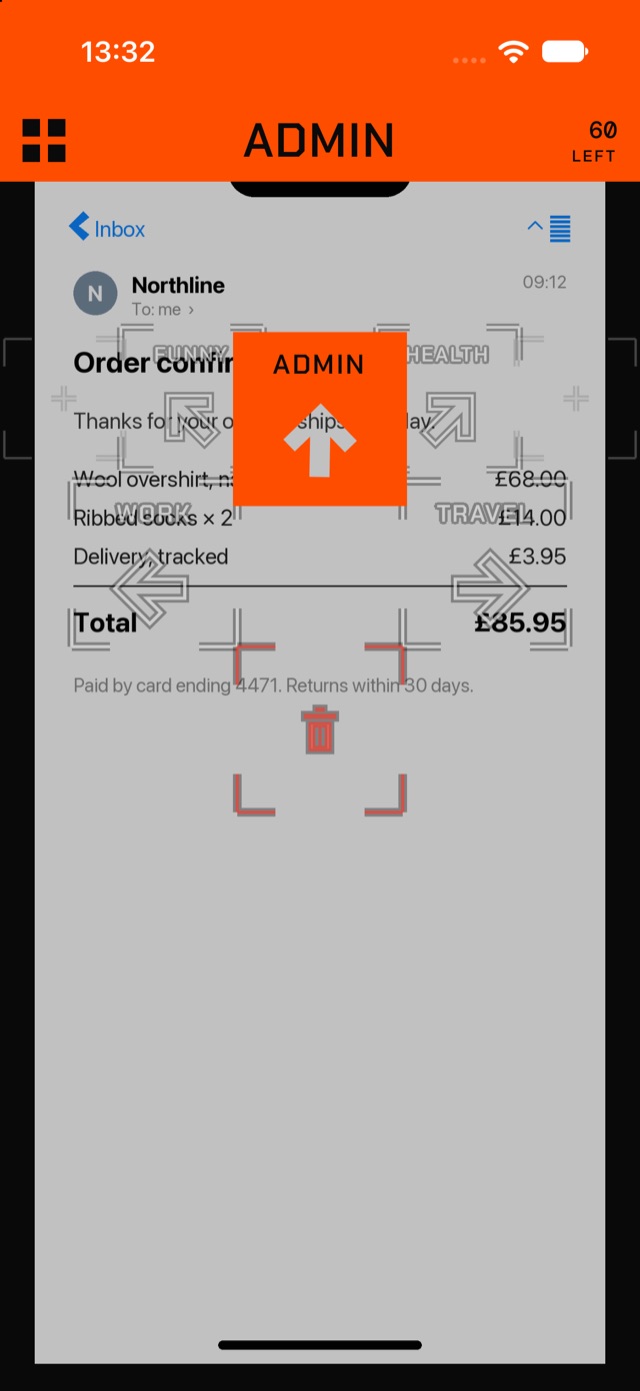
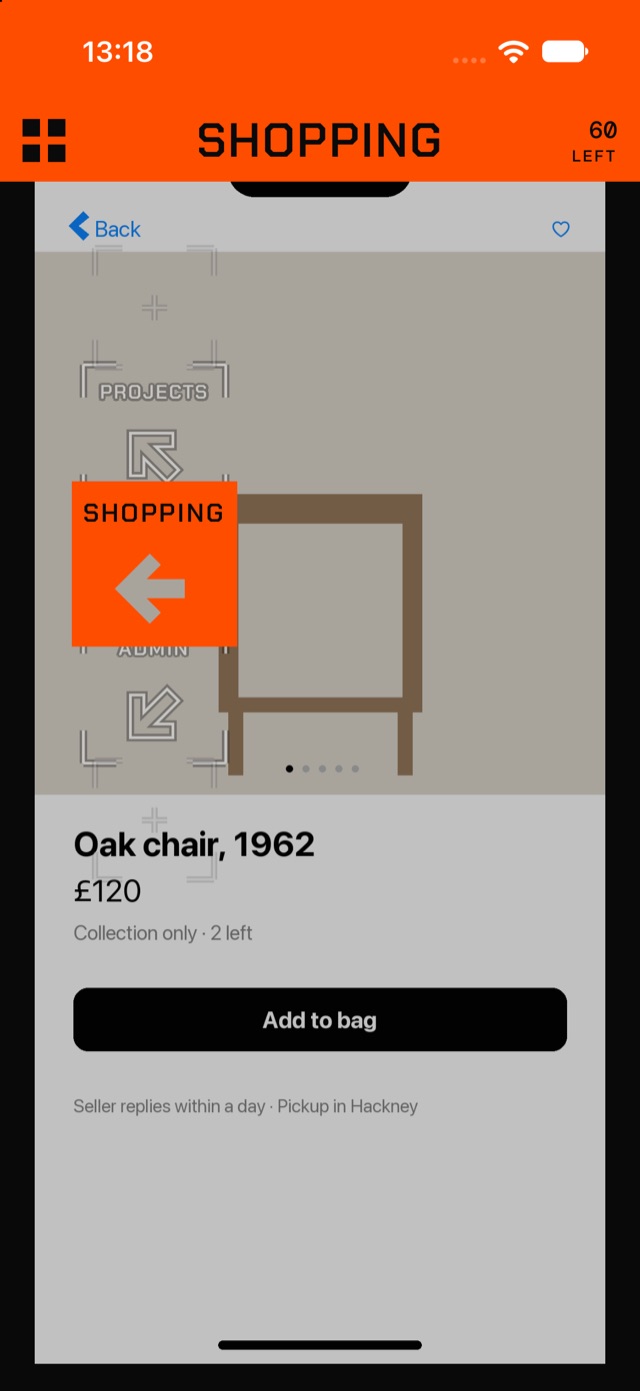
One screenshot fills the screen.
This is ZBAM.
Your thumb lands anywhere. The band at the top says where it goes before you let go.
05Albums
Real albums, in your own Photos app.
It all goes somewhere.
Each place is an album in Photos. Open Photos and they are there. The places are yours to name.
- INSPO
- FUNNY
- MUSIC
- WORK
- ADMIN
- TRAVEL
- COOKING
- SHOPPING
- RANDOM
06Private
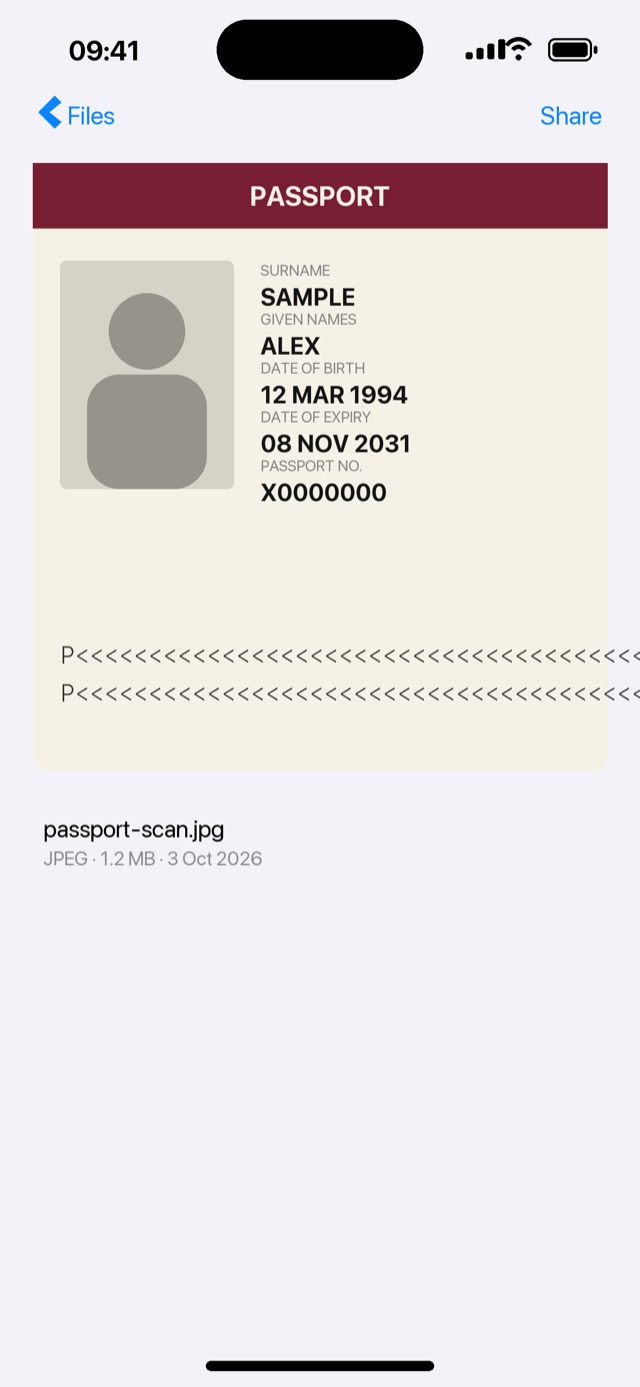
Nothing leaves the phone. No account.
No server. No tracking.
ZBAM works inside your photo library, on your phone, and nowhere else.
07Free week
Seven days free. No card.
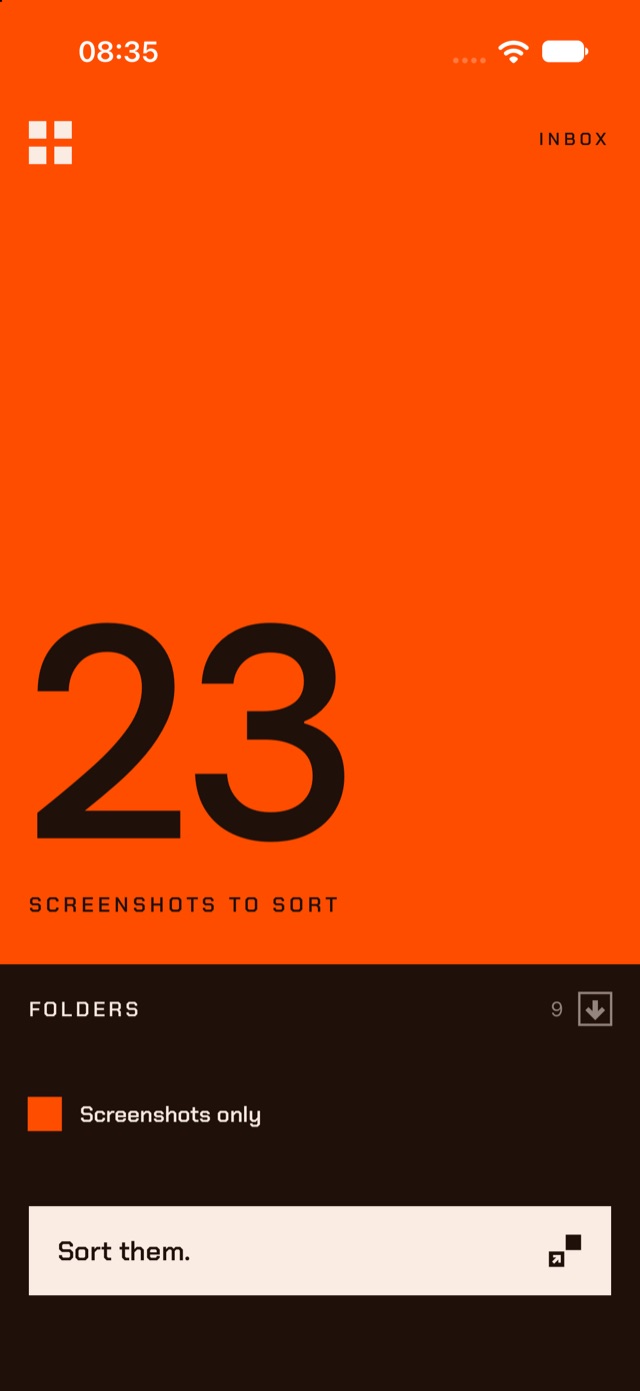
Can't find your screenshots? It's not too late.
Nobody is charged without pressing a button.
08Coming
Coming to iPhone.